The Living Quote
One link, no password: their building in 3D and their number, kept current — and you see when they open it. Then the same link becomes the contract and the project dashboard.
The operating system built exclusively for post-frame and barndominium builders.
Instead of: A PDF attached to an email, a separate contract to chase, and a customer who phones you for updates because there is nowhere for them to look.

What should post frame proposal software do?
It should send one link, not a PDF: the customer's building in 3D at their dimensions, colors they pick themselves, a price broken down by section with the payment schedule, and a place to sign. Good post frame proposal software keeps that link current when you revise, tells you who viewed it and when, then turns the same link into the contract and the project dashboard.
- People value what they had a hand in making. Across four studies, people valued things they assembled themselves close to experts' work, but only when they finished them. A customer who picks his own roof, wall and trim colors on the page starts to see the building as his, and the color question is settled before it becomes a change order. Norton, Mochon & Ariely, 2012 ↗
- Seeing the work changes how people value it. In five experiments, people preferred services that showed the effort behind a result, even with a longer wait, and the effort they saw made them feel they owed something back. A proposal that shows their own building, line by line, shows the work behind the number. Buell & Norton, 2011 ↗
- Competing pole barn quotes customers bring in often aren't even for the same size building, the Pole Barn Guru warns, so the advice is to compare like with like. A price broken down by section lets the customer see what he is really comparing. Hansen Pole Buildings, 2016 ↗
A PDF is a dead end
You export the estimate, attach it, and hit send. From that moment you know nothing. Did they open it? Which page did they stop on? Did they show the wife? When they have a question they phone you, and when they want a change you export the whole thing again and hope they open the right version. The document cannot answer a single question on your behalf, and it cannot tell you anything back.
The alternative most builders are living with — and the reason everything below exists.
You send a link, not a file
Send Estimate delivers a link to whoever needs to see it. The customer opens a page in your colours, with your logo — not a portal they have to make an account for, not an app to download, just a link that works on the phone they're already holding. Because it's a page and not a file, it's still right tomorrow: revise the estimate and the same link shows the new one. For the customer who wants paper, switch on Attach the estimate as a PDF and a copy rides along with the link, or press Print estimate for a clean black-on-white copy of the same page — the link stays the live one. Built exclusively for post-frame and barndominium builders, so the page talks about their building, not about software.
A PDF is frozen the second you export it. This is never out of date.
They see their building, not a spec sheet
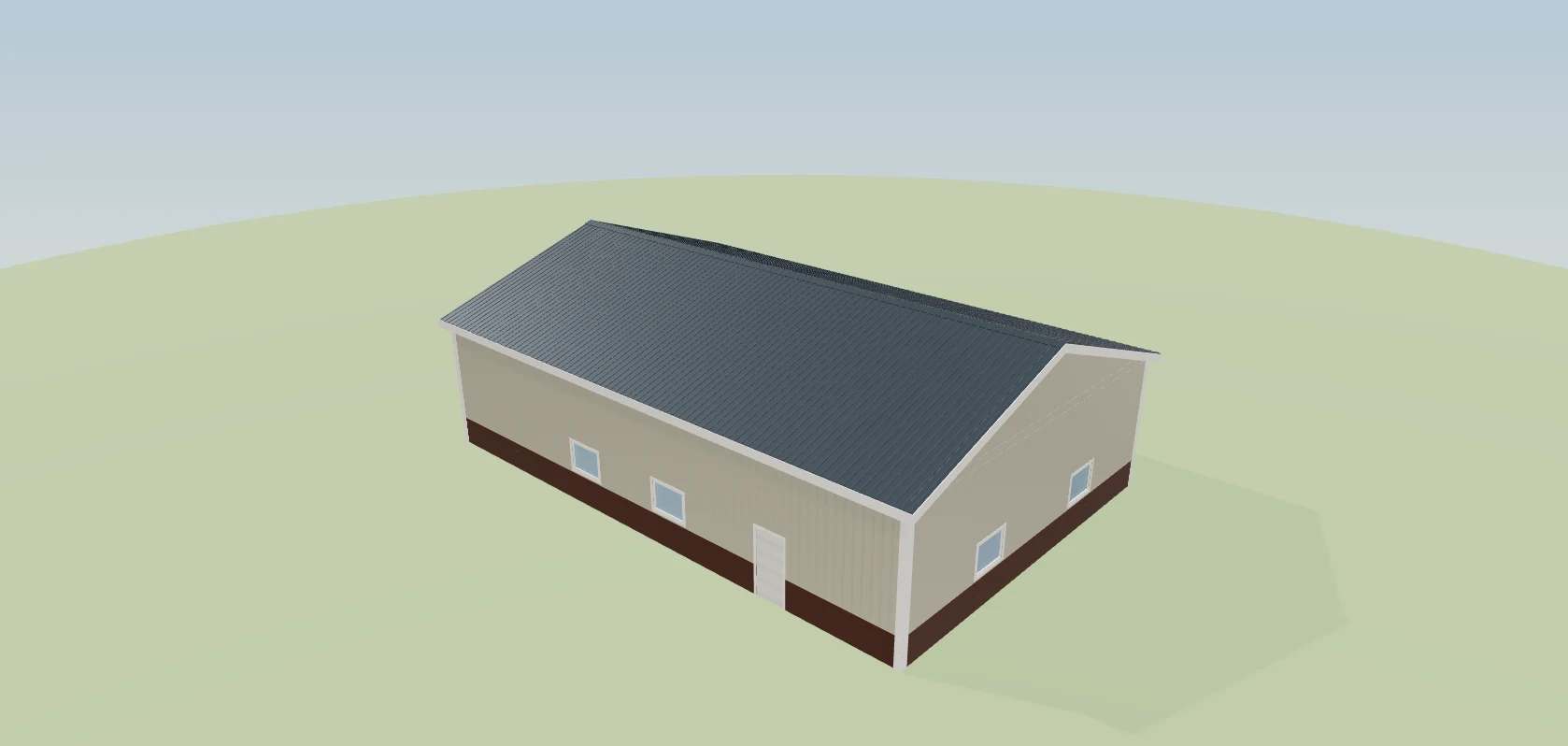
The Your Custom Building section renders the actual structure — the one you designed, at their dimensions, with their roof pitch and their door placement. Not a stock photo of a building that looks a bit like theirs. They can turn it around and look at it, and the moment they do, the conversation stops being about a number on a page and starts being about their building. When a customer can see it, it feels real — and real is what gets signed.
A line of text reading 40×64×16 asks the customer to imagine it. This shows them.
They pick the colours themselves
Roof, walls, wainscot, trim, doors — they choose, and the building updates in front of them. This is the section customers spend the longest on, and it's the one that turns an estimate into something they want to show people. Choosing makes it theirs. It also settles the colour conversation before it becomes a change order.
The usual version of this is three phone calls, a colour chart photographed badly, and a wrong order.
The price shows its working
Your Investment breaks the number down the way you want it broken down — by section, with the labour line, markup, and sales tax shown or hidden as you choose. Underneath it, the Payment Schedule states exactly what is due and when, and an optional financing line shows the monthly figure. The customer isn't deciding whether to trust one big number; he's reading a breakdown, and a price he understands is a price he trusts.
One total at the bottom of a PDF invites exactly one question, and it is the wrong one.
It answers the questions you always get asked
Your Building Journey, Why Choose Us, testimonials, the warranty, your builder notes, and an FAQ — all on the same page, all editable, all optional. These are not filler. They are the questions you answer on the phone for every estimate you send, answered once, in writing, at the moment the customer is actually wondering. A customer whose questions are answered before he asks feels looked after.
Every one of those questions is otherwise an interruption to your day, and they arrive one at a time.
You know the moment they open it
Behind the page, the estimate keeps a list of who has viewed it: each person, how many times, when they first and last looked, and how long they spent. On the Miller Road shop it's three people, eleven views and twenty-four minutes — Rachel Hostetler six times, the last at 9:41 at night. That's when you call. Your rep calls at the right moment instead of guessing, and the customer feels you're paying attention, because you are.
A PDF can't tell you it was opened, forwarded to the spouse, and read again late at night.
They approve it on the same page
No printing, no scanner, no 'can you send that again in a format I can sign'. The Approve and Sign section is at the bottom of the page they have just read, at the moment they are most convinced. The signature is captured and stamped on the document.
The gap between 'yes' and a signed document is where deals go cold.
The estimate becomes the intake form
The instant they approve, the same link asks for what you need to actually start: the details, the site information, the decisions still outstanding. The customer never gets a second email with a second link and a second login — they carry straight on. And because the intake is part of the estimate rather than a separate form, what they enter is already attached to the right job.
The usual version is a Word document emailed separately, filled in on half of the jobs, and re-keyed by somebody in the office.
Then it becomes the contract
The agreement is generated from what has already been agreed — the same building, the same figure, the same schedule, the same details they just gave you. There is no retyping step, which means there is no retyping mistake. It is counter-signed on your side and the executed document lives with the job.
A contract rebuilt by hand from an estimate is where the price and the scope quietly drift apart.

And then it becomes their project dashboard
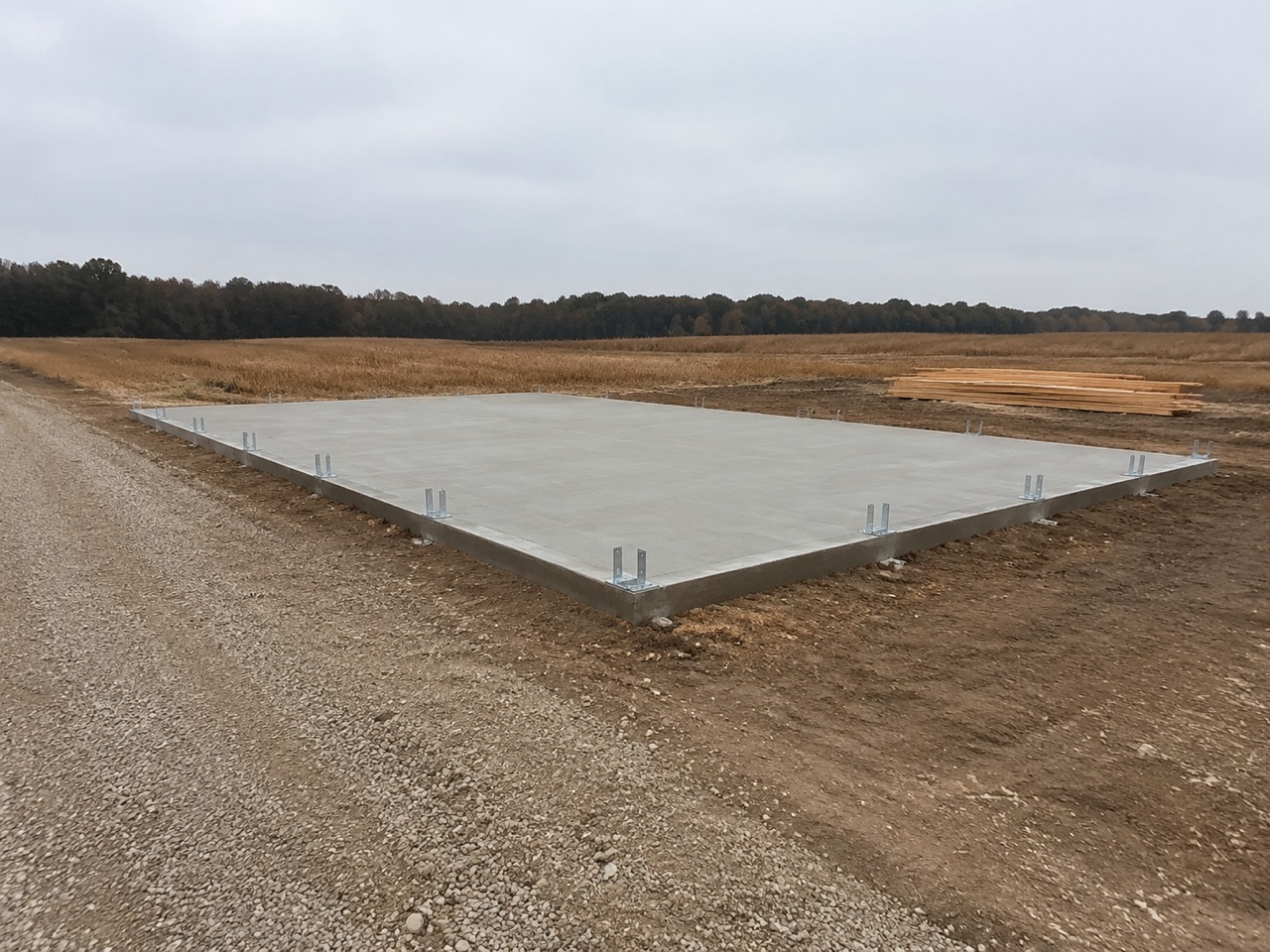
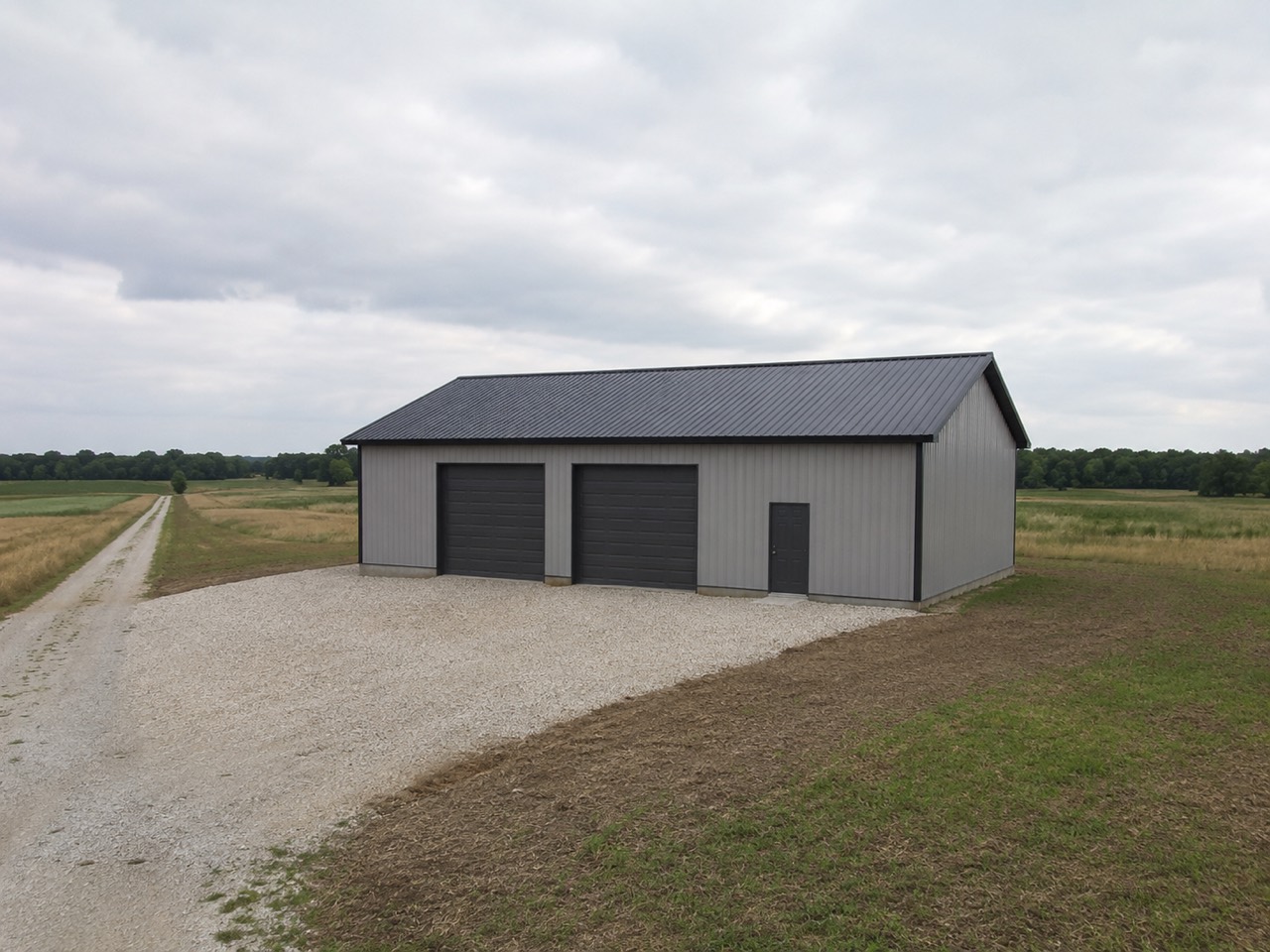
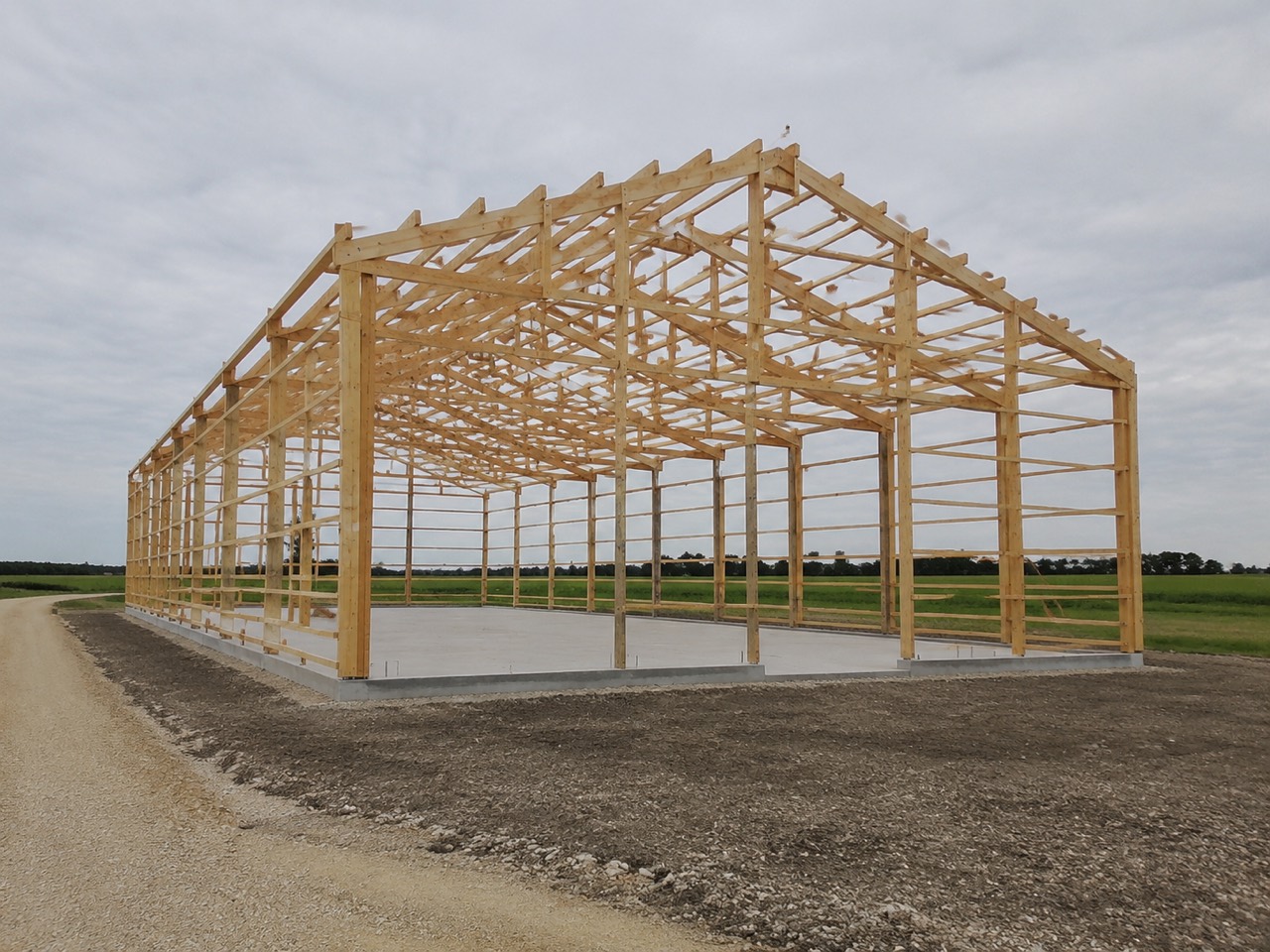
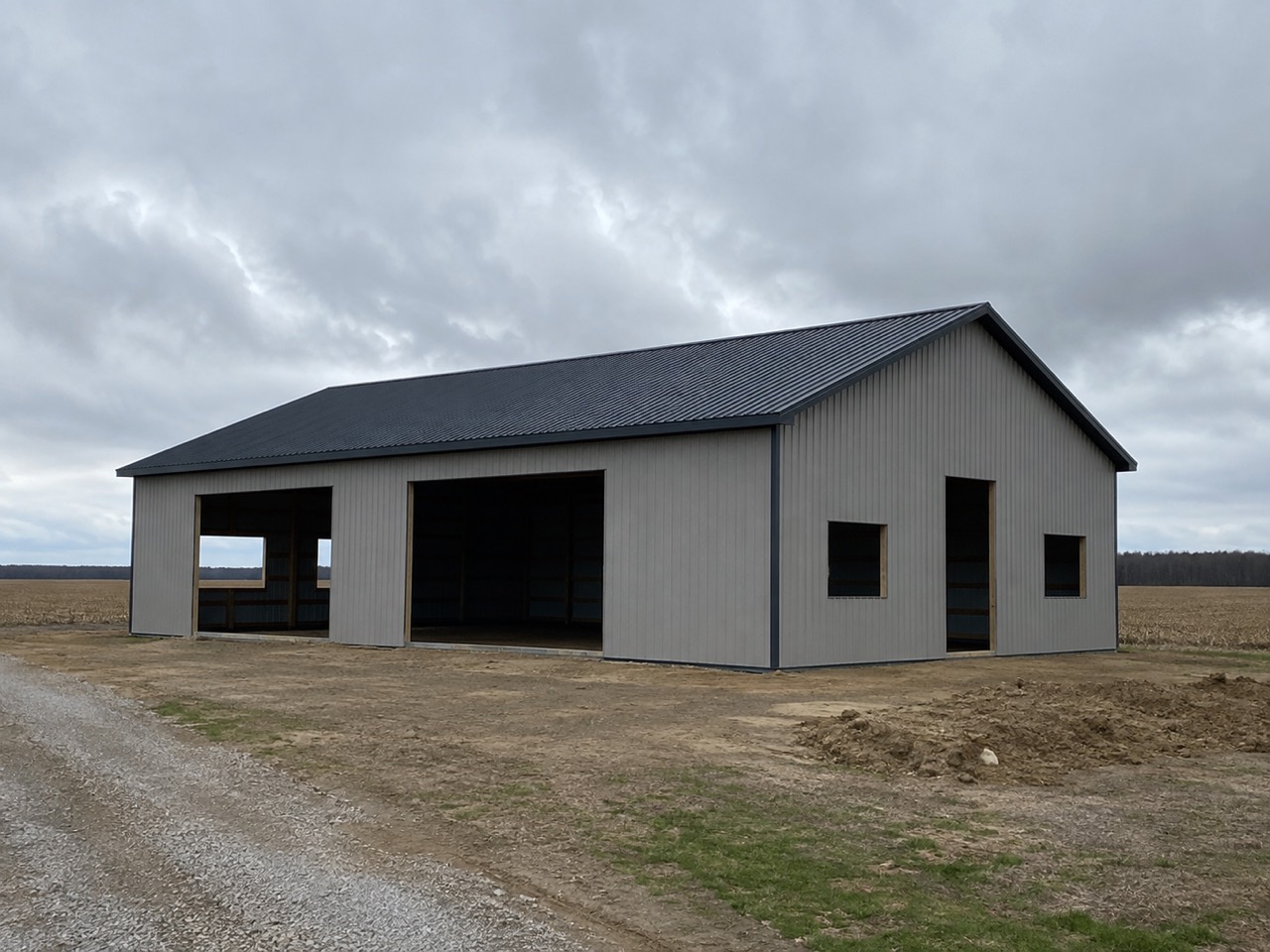
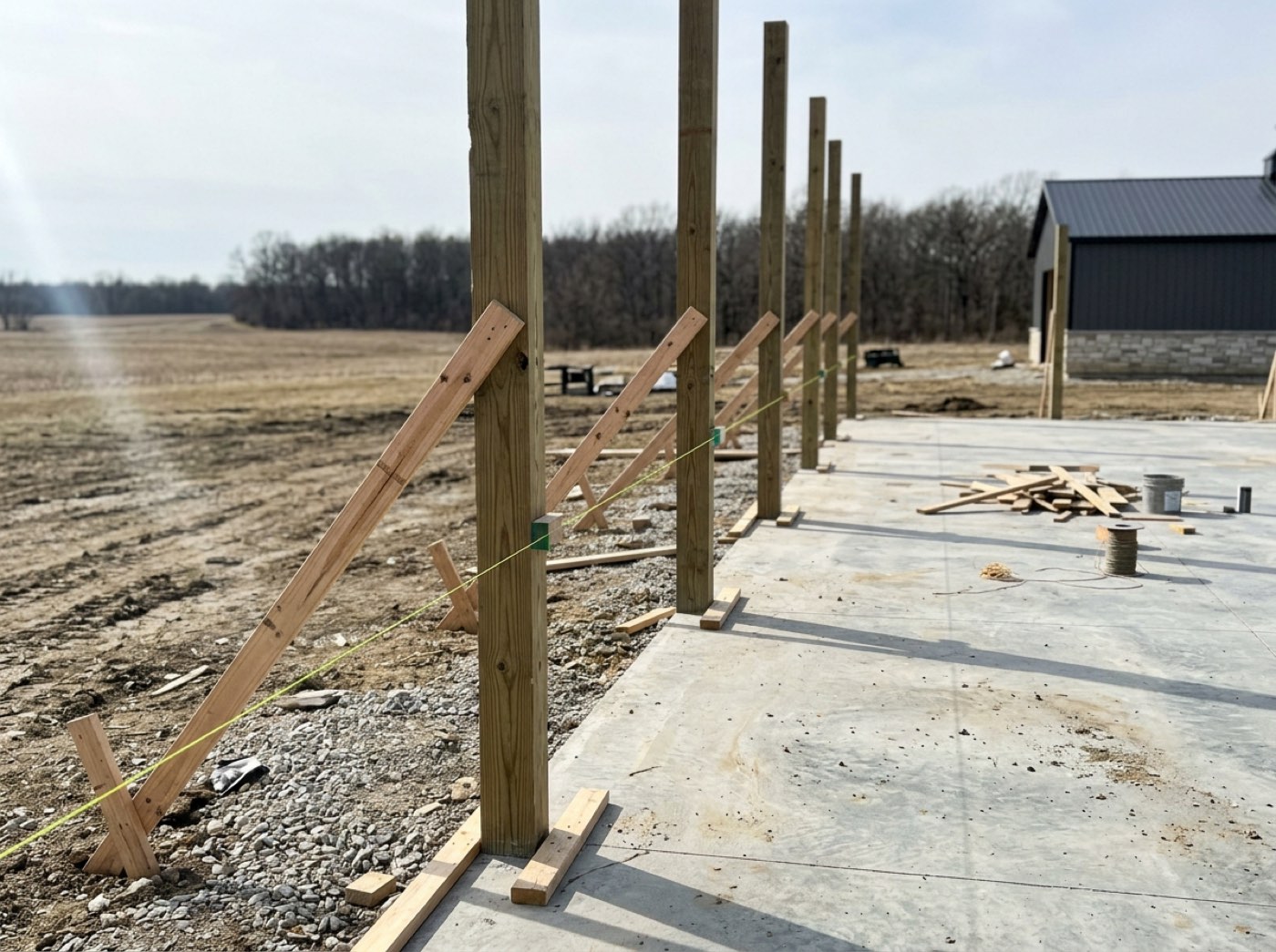
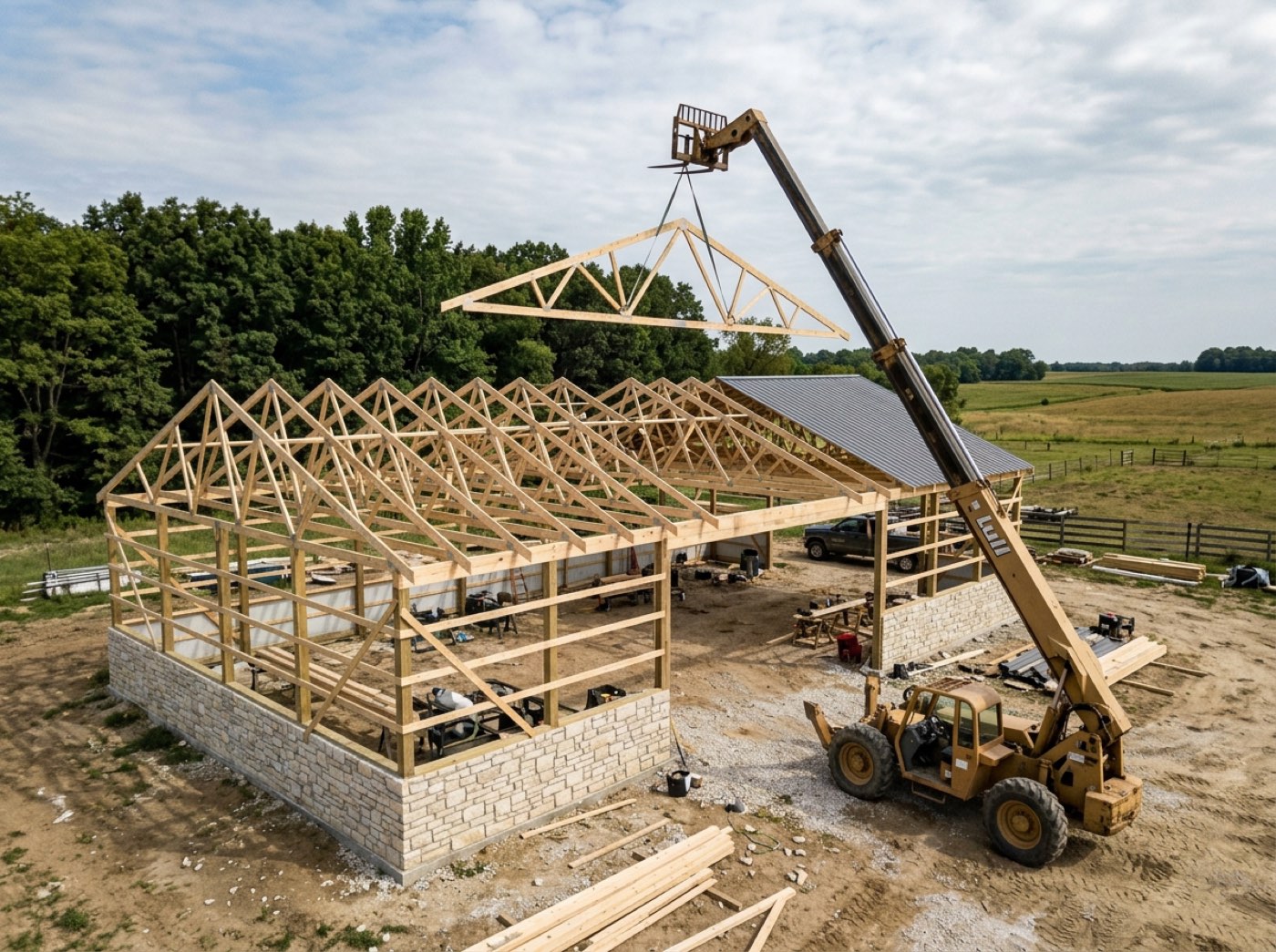
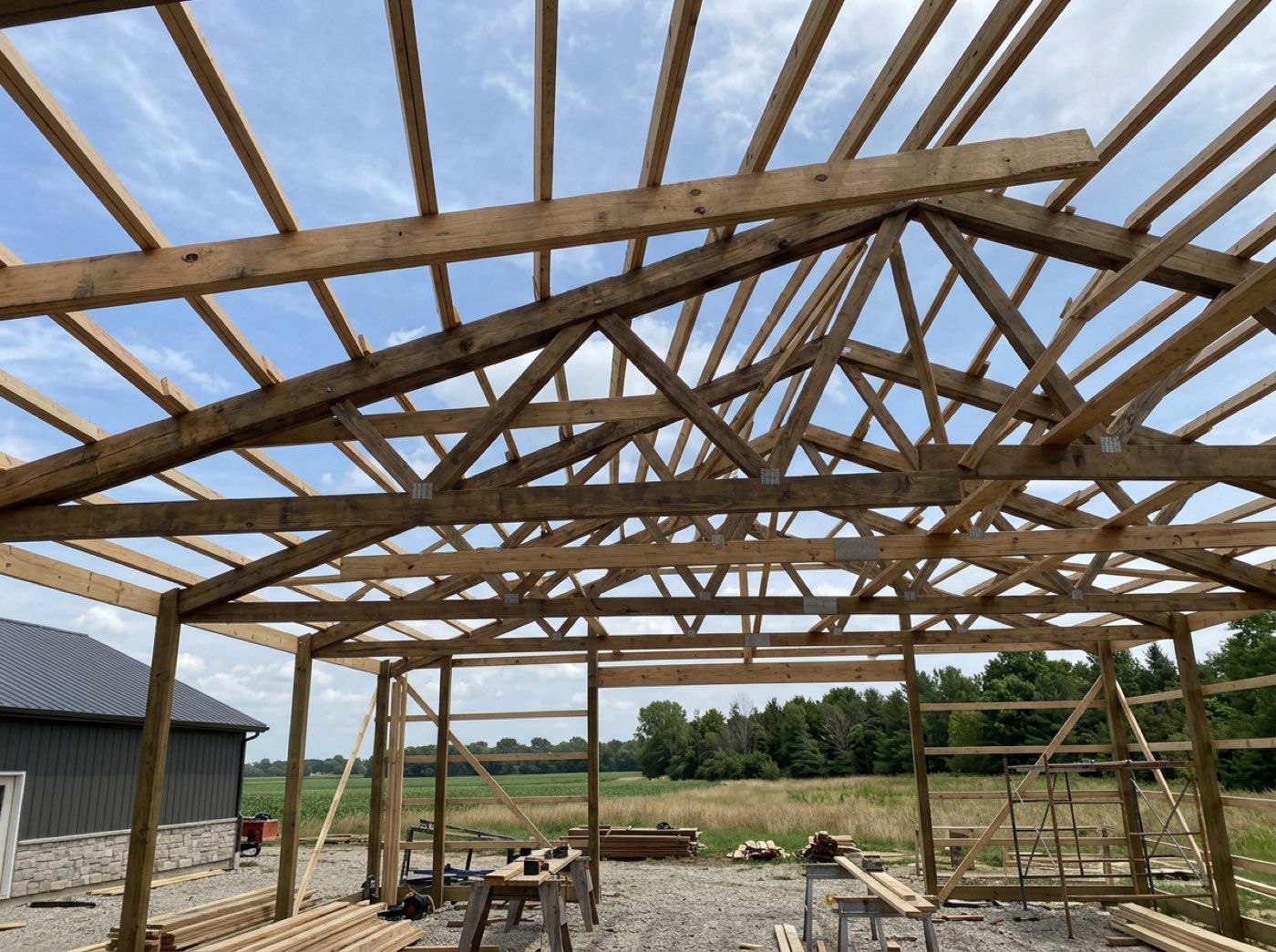
The same link they first opened to look at a price now shows them their job being built: what stage it is at, what has been done, what is next. Your crew's checkpoint photos appear here as the work happens, with the updates you post, and they can message your team from the same page. The customer stops phoning to ask how it is going, because they can see how it is going.
Progress-update phone calls are pure administrative cost, and the customers who do not phone are the ones quietly worrying.
The photos do four jobs at once
The pictures your crew takes at each stage are not just customer reassurance. They are your proof if a dispute ever arrives, your quality check on work you were not standing over, and your marketing library — already sorted by job and by stage, with no one having to remember to collect them. One habit, four returns, and it replaces the separate photo app you are paying for.
Photos scattered across six phones and a group chat are worth nothing when you actually need them.
One link, the entire relationship
From the first look at a price to the last photo of a finished building, your customer used one address and never made an account. You never exported a document, never chased a signature by email, and never fielded a call that the page could have answered. That is the difference between software that stores your work and software that does some of it.
Watch the living quote
run on your building.
One link, no password: their building in 3D and their number, kept current — and you see when they open it. Then the same link becomes the contract and the project dashboard. Thirty minutes with Keith, on one of your real structures — and the link we build is yours to keep whether or not you go any further.