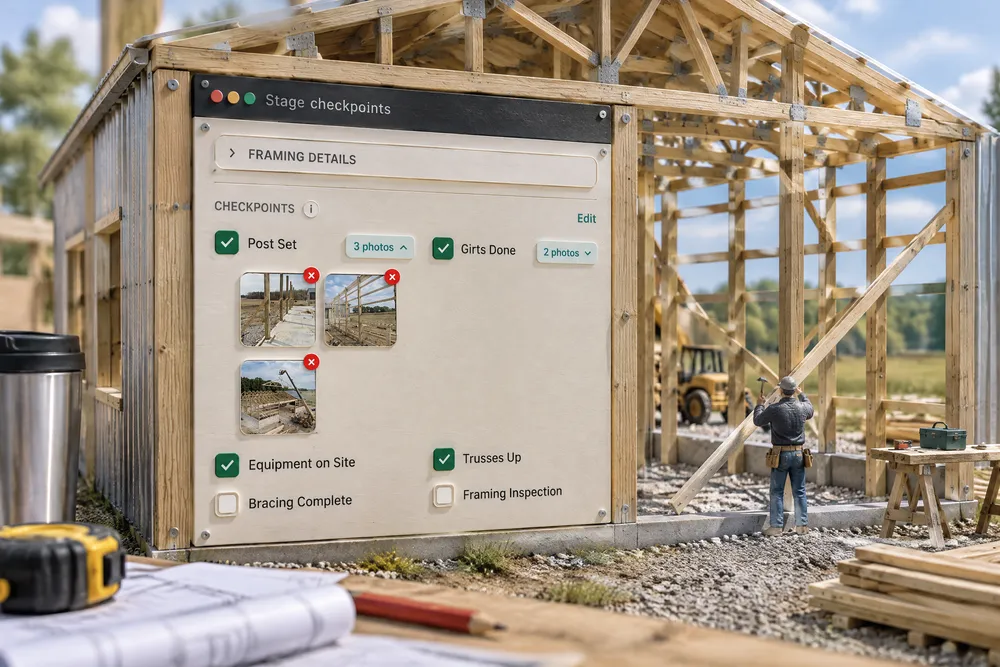
What should a post frame construction checklist app track?
The work inside each stage, not just the stage name: forms set, rebar in, poured, stripped; posts set, girts done, trusses up. In a good post frame construction checklist app the crew ticks items from the phone, attaches a photo as proof, and the last tick closes the stage, so day one and day nine of framing no longer look the same on the board.
- When pay rides strongly on one measured result, people pull effort away from the tasks nobody measures, such as quality. A crew paid to finish fast will skip what no one checks unless the checks are on the list. Holmström & Milgrom, 1991 ↗
- Safelite's switch to pay per windshield held quality because a bad install showed up fast and could be traced to the installer, who redid it on his own time. A checkpoint photo kept on the job gives a building that same traceability. Lazear, 1996 ↗
- A 19-item checklist used at set points in surgery cut deaths from 1.5% to 0.8%. Short lists at fixed moments catch what experienced people skip under pressure. Haynes et al., 2009 ↗
- Effort speeds up as a goal gets closer: in a real café reward program, customers bought more often the nearer they were to the free coffee. A stage whose items tick off in front of the crew shows how close it is to done. Kivetz, Urminsky & Zheng, 2006 ↗
A stage is not a label you drag — it is a list of the specific things that have to happen inside it. Forms set, rebar in, poured, stripped. The crew ticks them from the field, the office sees them tick, the customer's page moves, and the last tick closes the stage without anyone deciding it is closed. It is one system for the whole post-frame business, built around the checks a pole barn actually needs — post set, girts done, trusses up — not a generic to-do list bolted onto a calendar.
Also called: checklist · milestones · tick off the work · stage SOP · job checklist · checkpoint order · checkpoint dependencies · checkpoint must be ticked first
The work inside the stage
Not concrete — forms set, rebar in, poured, stripped, cured. The list is the job, and it is the same list the office, the crew and the customer are looking at.
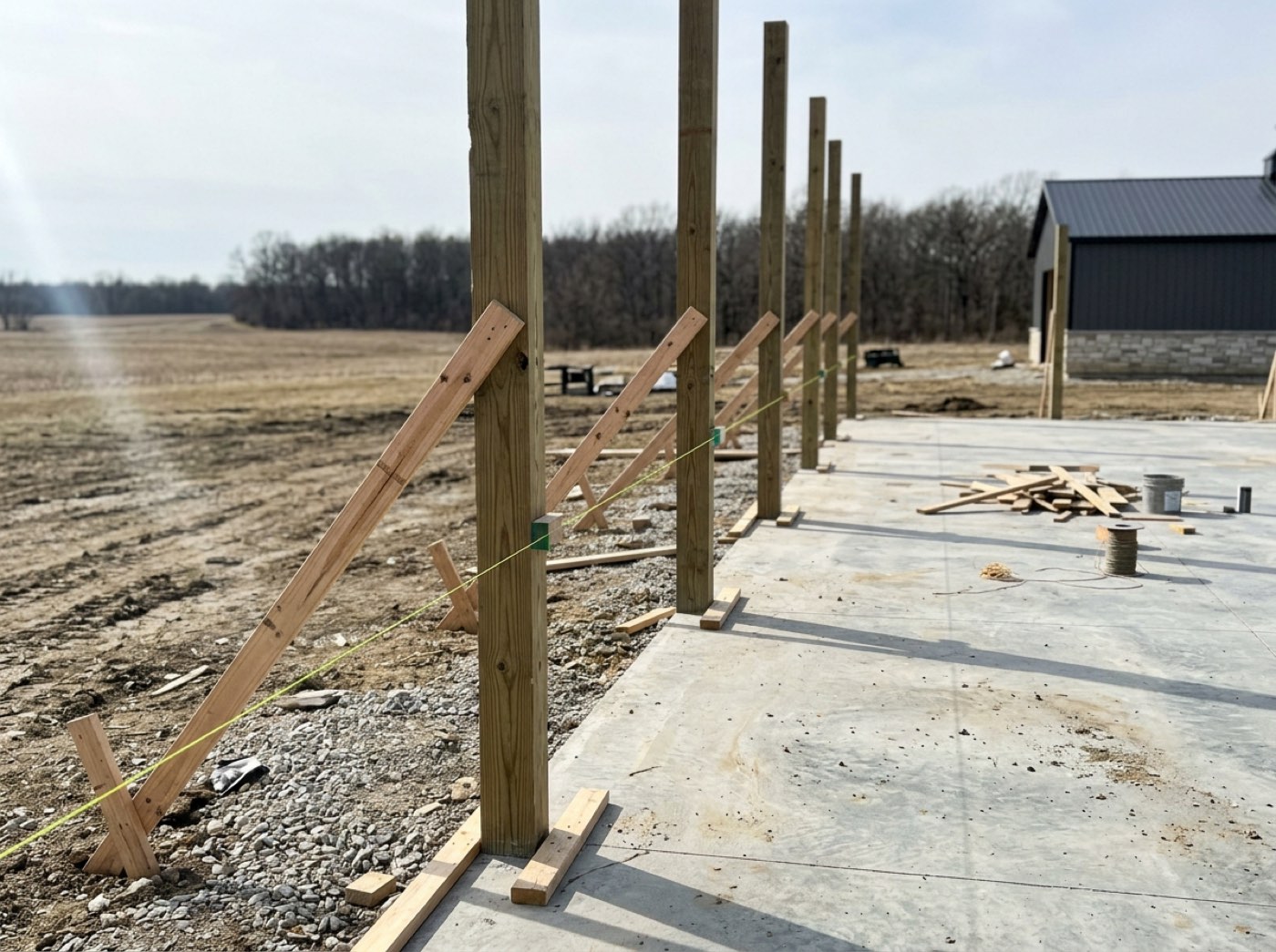
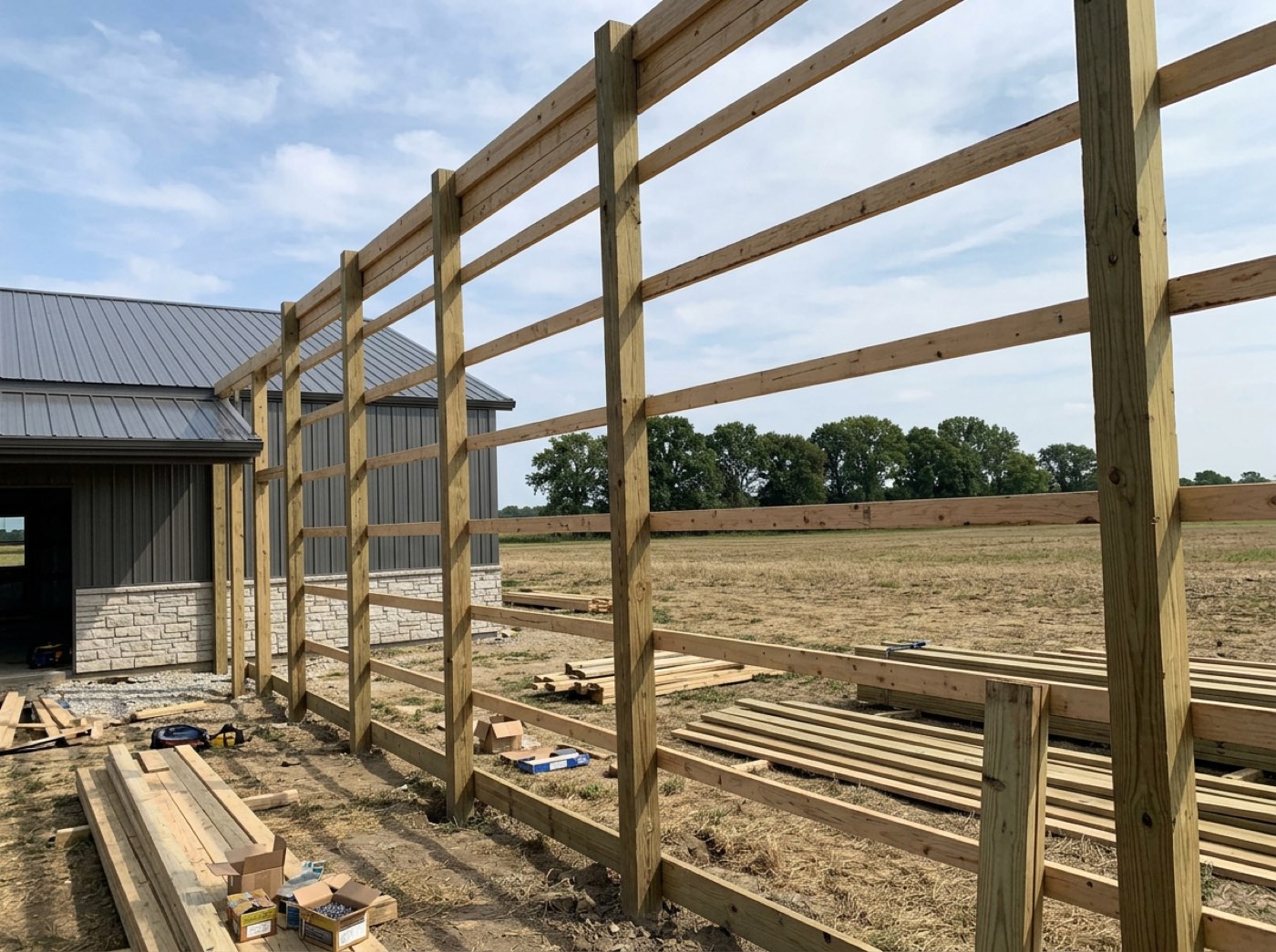
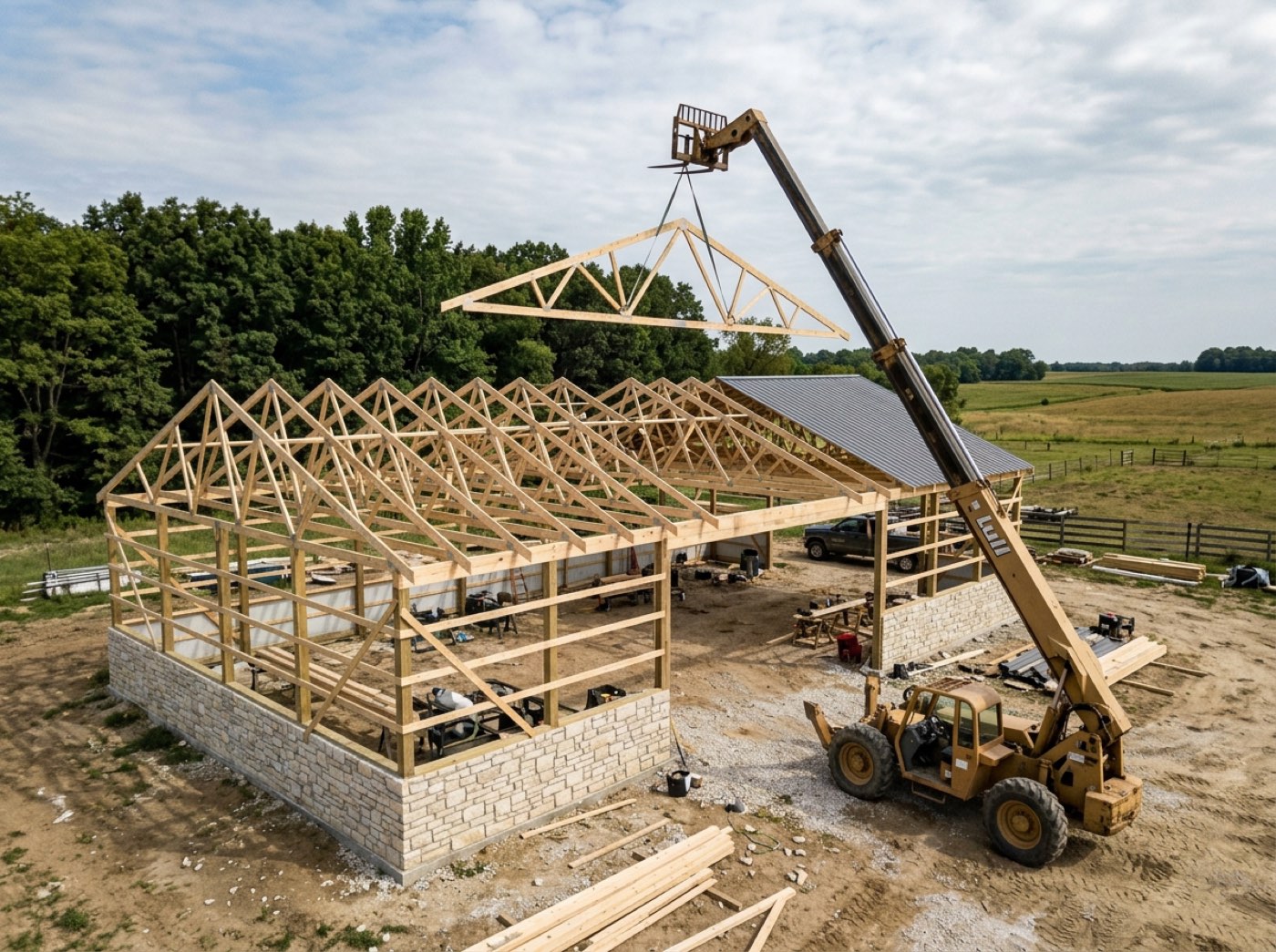
"In framing" is everything the board will tell you, so on day nine you are phoning the crew lead to find out whether the trusses ever went up.
The crew reads the job in their own words, so nobody has to translate a status. Post set, girts done, trusses up are the rows, and the detail fields fold away while the checklist stays open — so the part that changes every day is always on screen, and the office stops ringing the site to ask.
Ticked from the field, by the people doing it
Try itThe crew ticks on site from the link in their text. Nobody re-enters anything in the office, which is the only reason the data is ever current.
Progress arrives as a text at six, gets typed into the schedule at nine, and the board is a day behind on a good week and simply wrong on a bad one.
A crew lead will tick a box he can hit with a gloved thumb; he won't fill in a form. Ticks only travel forward — reopening one is the office's job — so a mis-tap on a ladder can't erase a day's record, and the board stays current without anyone retyping it.
Proof goes on the checkpoint it proves
Ticking a checkpoint offers Take Photo or Choose from Library right there, and a shot can be attached to a box that was ticked earlier. It is optional, so a dead phone never holds a finished stage open. The customer's gallery is a separate stream — proof shots stay in your record.
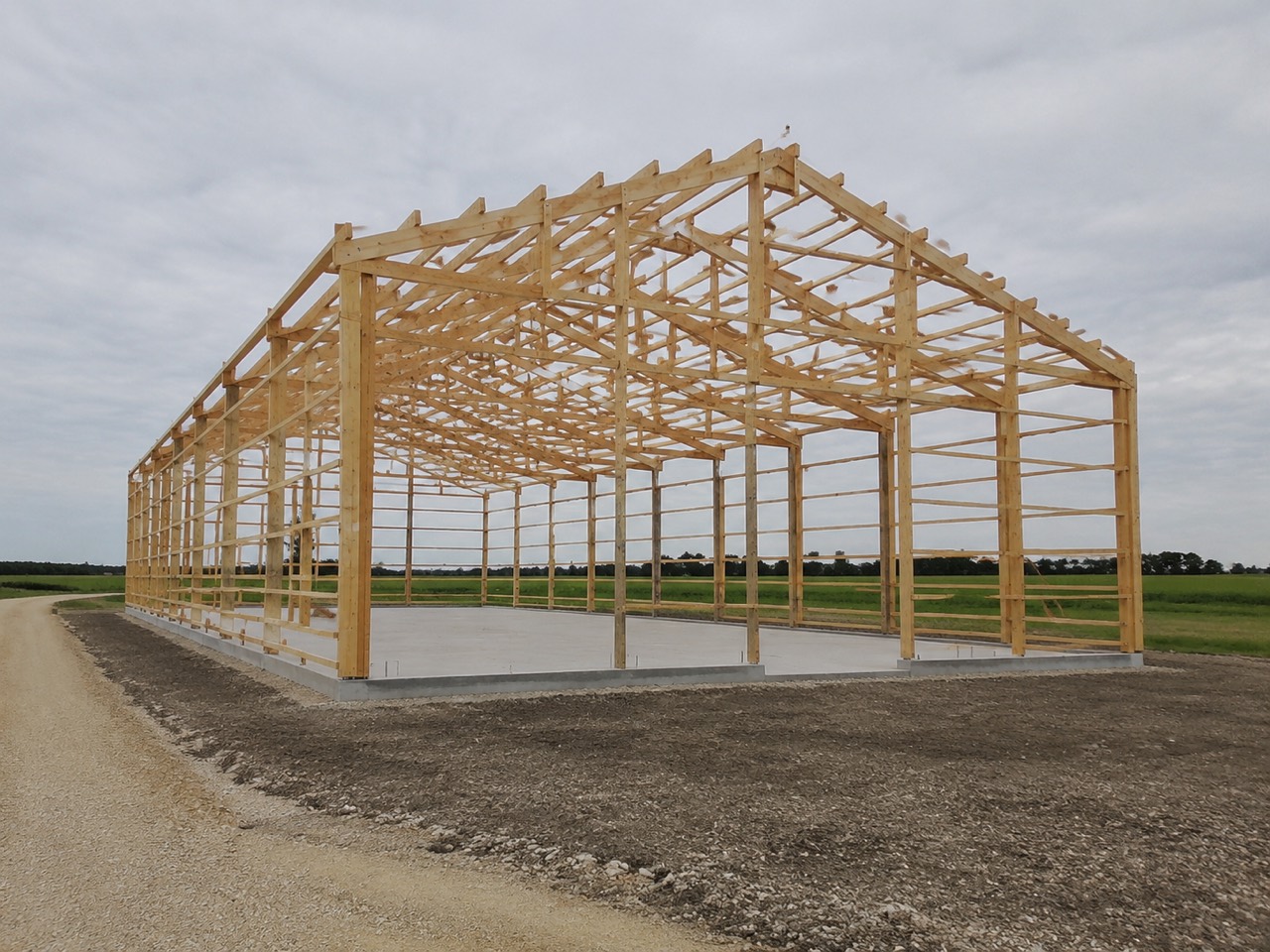
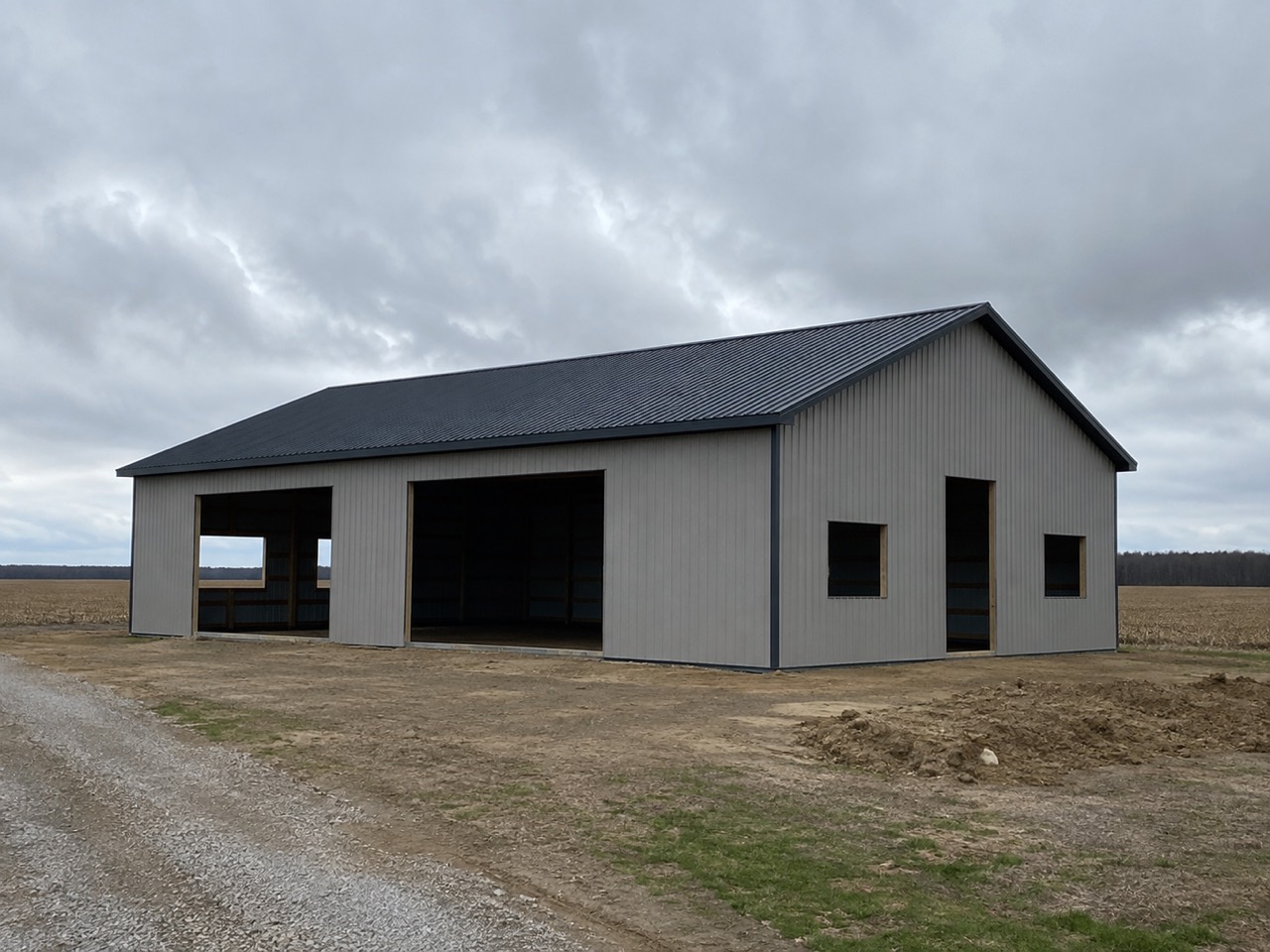
The dispute lands eleven months later, the inspection genuinely happened, and all that survives is a memory and a crew that has moved three counties away.
A crew takes the proof when it is one more tap on the box he is already ticking, and skips it when it is a separate job. Filing the shot on the checkpoint, marked internal, means the evidence exists the moment the work is done — and keeping evidence never means publishing it to the customer.
The last tick closes the stage
No separate mark complete. The stage finishes because the work in it finished, which means the board is never ahead of the site.
A bar gets dragged to complete on Monday because it felt about right, and the crew is still bracing on Thursday under a stage the office has already closed.
The man standing in the finished stage is the right one to close it, and he will if it is one tap. Before the tap the screen says what follows — the office is told, the customer's page moves — with a plain "Not yet" beside it, so the board is never ahead of the site and nobody chases a status.
Ticks wait on the order only when you say so — the dates are watched
Work on a site does not happen in a straight line, so nothing makes the crew tick checkpoints in order unless you've said one comes first. Where it truly matters — taping and mudding after the temporary heat is on, the pour after the underground inspection — the building type says this checkpoint needs that one ticked first, and a tick out of order is refused, on the office's schedule and on a crew's phone, naming what comes first. What the schedule watches either way is the stage dates: when one has slid out of its running order, the board names that stage and offers the repair.
One stage stranded five months from the rest turns a ten-week build into a 165-day job, and every date you touch afterwards throws the other end further out.
The crew is never slowed down by a rule that doesn't fit the day, and the office still hears when a date has gone wrong. The warning names one stage and offers one button that keeps every stage's length and your start date, so fixing it takes seconds, not an afternoon.
A checkpoint that needs another ticked first
Try itIn Settings → Project Stages, open a stage and use + Needs another checkpoint first: Building final passed waits on the electrical, plumbing and mechanical finals; Certificate of occupancy on the building final. On the job, ticking one too early opens a box — "Building final passed" can't be ticked yet · Waiting on: Final Inspections › Electrical final passed — and a tick from the crew's phone is refused with the same line. An admin can Tick it anyway; anyone else is told it can be ticked once those are, or to ask an admin. A stage can also wait on a single checkpoint before it starts — see stages that wait.
The certificate of occupancy was marked done on the job while the electrical final was still open.
The order that inspectors and lenders care about holds itself, so nobody has to remember it on a busy Friday — and nothing slows down the checkpoints where order doesn't matter.
Different buildings, different lists
Try itA shed and a shouse do not share a checklist. Each building type carries its own, so the list is never padded with steps that do not apply.
The shed crew scrolls past four rows about interior finish that will never apply to a shed, and by the third job they have stopped reading the list at all.
A shed crew reads a list that fits a shed, so they keep reading it. Each building type carries its own list, duplicable and renameable, and every checkpoint has a line for what counts as done — the answer a new man would otherwise phone in for.
Change the list while you set the job up — then it's locked
Try itAdd the step this particular site needs while you start the job: the template is a starting point, not a cage. Once the job is live, the list is locked, so the crew and the customer always see what was agreed. A row that turns out not to apply is marked not applicable — it stops counting and the stage can still finish.
A checkpoint gets renamed halfway through the job, and the crew, the office and the customer are suddenly reading three versions of what "done" meant.
The customer and the crew both trust a list that doesn't change under them mid-build. Shaping it at setup and locking it at go-live means nobody argues later about what was on it, and not-applicable handles the one row that didn't fit without rewriting history.
Who ticked it, and when
Every tick shows the day it was ticked beside it on the job, and is saved with who ticked it — the office login, or the crew member in our app. Not to catch anybody out — so that when a question is asked six months later there is an answer.
Six months on, a customer asks when the pad was signed off, and the honest answer is a guess propped up by a photo with the wrong date on it.
The owner gets an answer instead of a guess when a customer asks when the pad was signed off. The name and the time sit on the checkpoint, on the job, rather than in a text thread on somebody's old phone.
The phases card counts the ticks for you
Close the Project phases card and it still talks: 3 of 6 done · Now: Siding / Roofing · 1 behind. All three come off the checkpoints — a phase is done when every box that applies is ticked, and behind when its planned end has passed without that happening. On the Hostetler Equipment Shed, Post Set ran past its end with three boxes still open, and the card says so without anyone opening it.
A job looks fine on the board because nobody updated its status, and the one stage running over is found when the next crew turns up to a site that isn't ready.
The office sees which job is slipping while scrolling past it, without opening a single stage. Because done and behind are worked out from the boxes rather than a status somebody set, the card can't read "on track" while work is still open.
The job says which checkpoints nobody photographed
Try itThe Photos card in the project window counts against the job's own checklist: 148 photos · 14 of 23 checkpoints photographed. The empty ones are the point — every checkpoint on the job is listed, so one nobody shot shows up as a gap instead of quietly not being there. How the crew shoots them is jobsite photos from the field.
Nine months later you need the shot of the footings before the backfill, and only then find out nobody took one.
The office notices missing proof while the crew is still on the job and can still take it. Counting against the job's own checklist, not just what was uploaded, means a checkpoint with no photo can't hide.
The customer sees it move
The same ticks drive the customer's progress bar. The update call is answered by the crew doing their job, with nobody in the office in the loop at all.
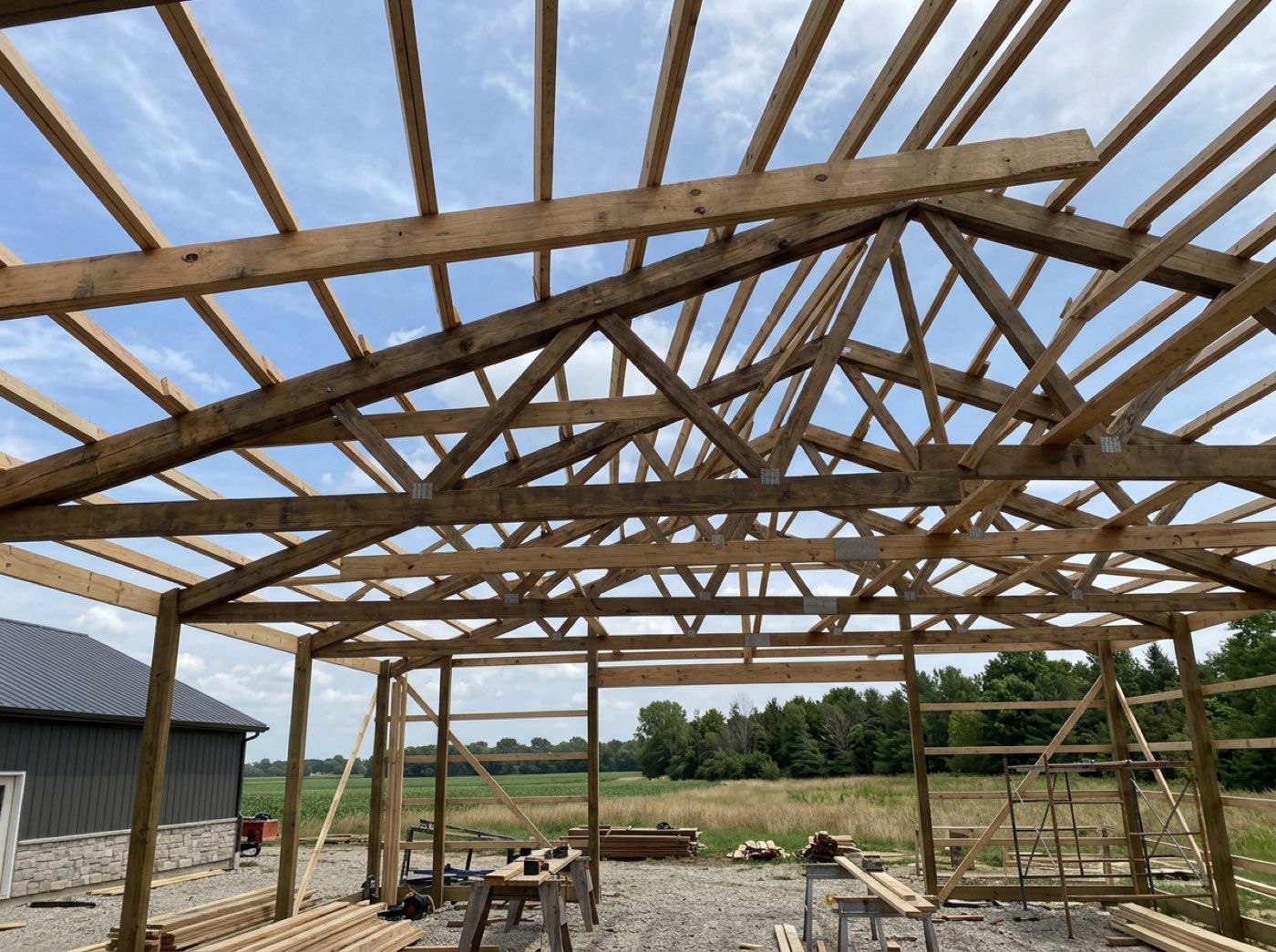
Every Friday brings the same call asking whether anything happened this week, and forty minutes go into assembling an answer the crew already knew on Tuesday.
The customer stops ringing to ask how it's going because their page already shows it. Finished rows carry the date each one landed and the photos underneath, so the update is written before they think to ask — and the office gets its Friday afternoon back.
Notify exactly who should know
Try itPer stage, per building type: the owner, the project manager, the crew lead, the job's assignees, named people, the customer — each in your own wording, set in per-stage notification rules. Tell the customer when framing is done, but not every stage.
Switch notifications on and the customer hears about the dirt work; switch them off and they hear nothing at all until the invoice arrives.
The customer hears about the stages they care about, and the office isn't buried in alerts. Recipients, channels and wording are decided once per stage on each building type, on a calm day — not typed in a hurry at the end of a long one.
…and what it tells you later
Which stages run long, on which building types, for which crews. Checkpoints are the raw material of every schedule estimate you will make next year.
You quote eight days for framing because you quoted eight days last time, while the last eleven jobs all ran nine and a bit.
The owner quotes the next job off what his crews actually take, not off memory. Every average says how many jobs it came from and names the biggest reason days went missing, so the next schedule is one he can defend to a customer.
What makes it safe to pay for speed
Try itA crew rushes framing and puts up no backing for the drywall. Maybe the drywallers complain; maybe nobody does, and other problems surface five or seven months later on a job whose crew has moved on. With checkpoints, that job still has its record: which crew built it, which checkpoints were ticked, and the photos taken before the walls closed. If there was no checkpoint for backing, you add one to the framing stage, and every crew photographs it from the next job on. The gallery's checkpoint filter then shows every crew's backing photos side by side, across forty jobs, in one place. A problem you find once becomes one you check for every time. That's what lets you put shared surplus and multiplier steps on a crew without trading quality for speed. Apply checkpoints to every crew alike and say why: the photos are the crew's proof if a callback comes, and the best-documented job of the month is worth naming.
Owners who've watched speed pay trade away quality won't pay for speed again, and a defect found years later can't be traced to anyone.
Traceability is what made speed pay work at Safelite. A photo kept on the job is traceability for defects that show up long after the crew is gone.
- 1Each stage carries its own checkpoint list, per building type
- 2Shape a job's list while you set it up; once the job is live the list is locked, and a row that doesn't apply is marked not applicable
- 3The crew ticks them from the phone, on site
- 4Attach a photo as proof when a box is ticked, or later — it stays in your record, not the customer's gallery
- 5The office and the customer see the same list move
- 6Ticking the last one completes the stage — no separate step
- 7The closed Project phases card counts them for you, and the Photos card says how many checkpoints have a photo
- 8Every tick records who and when
Stage-only tracking tells you a job is in framing and nothing else. In framing on day one and in framing on day nine look identical on a board, which is exactly the situation where a slipping job hides in plain sight until it is too late to recover. Checkpoints make the inside of a stage visible. They also make progress a by-product of doing the work rather than a separate reporting task — because a reporting task that competes with building will always lose, and should. Checkpoints are also what make it safe to pay a crew for speed. Pay strongly on one measured thing and people pull effort off the unmeasured ones, so a crew paid to finish early is tempted to skip what nobody checks. A builder we spoke with stopped paying for speed because the corners his crews cut didn't show until months later, after those men had moved on. Speed pay worked at Safelite because a bad windshield was traced to the installer who fit it. A checkpoint photo taken before the work is covered, kept on the job for good, is that link for a building. See which reward drives which behaviour.
- Stage labels that hide everything happening inside them
- Progress reporting as a task competing with the work
- No evidence a step was done
- Stages marked complete before the work in them was
- A checklist changed mid-build so nobody agrees what was on it
Photo proof on a checkpoint
Ticking a checkpoint offers Take Photo or Choose from Library. Shots land on that item, showing as a "3 photos" pill that opens to thumbnails and a swipeable full-size view. You can add several at once, and add proof later to something already ticked.
Mark a checkpoint not applicable
Not applicable is an outcome, not an edit. The item keeps its label, drops out of the count, is hidden from the customer, and records who marked it and why. Marking the last outstanding item not applicable can finish the stage on its own.
Checklists lock when a job goes live
On a live job there is no renaming, no deleting and no inserting checkpoints. The Edit button is replaced by Locked — project is live, with a line pointing you at not applicable for this job and at the building type for the next one. What a stage was figured to take is locked too; where it sits on the calendar stays free to move.
Adjust one stage's checklist before the job goes live
An Edit mode on a stage's checklist. Rename an item, hide one, or add your own for this job. It is available until the job goes live, at which point the Edit button becomes a Locked notice.
Checkpoints and photos reach every screen
Open a job and it pulls in whatever the other devices recorded, filling in any checkpoint or photo the screen in front of you is missing. Older ticks that had been stranded in one browser were replayed into the shared record. That repair deliberately sends no email, because nobody should hear "stage complete" about work finished weeks ago.
A tick means the same thing wherever it happens
Every checkpoint tick — office, phone, crew link — runs down one path. That path decides whether the stage is finished, whether the job advances, and whether the customer is told.